Workers can request Salary Exchange using the Husky for Everyone mobile app. One a request is completed the request must be approved on the portal.
Worker Requests Salary Exchange steps
A worker must have linked their employment in the Husky for Everyone mobile app before they can request Salary Exchange following the steps outlined.
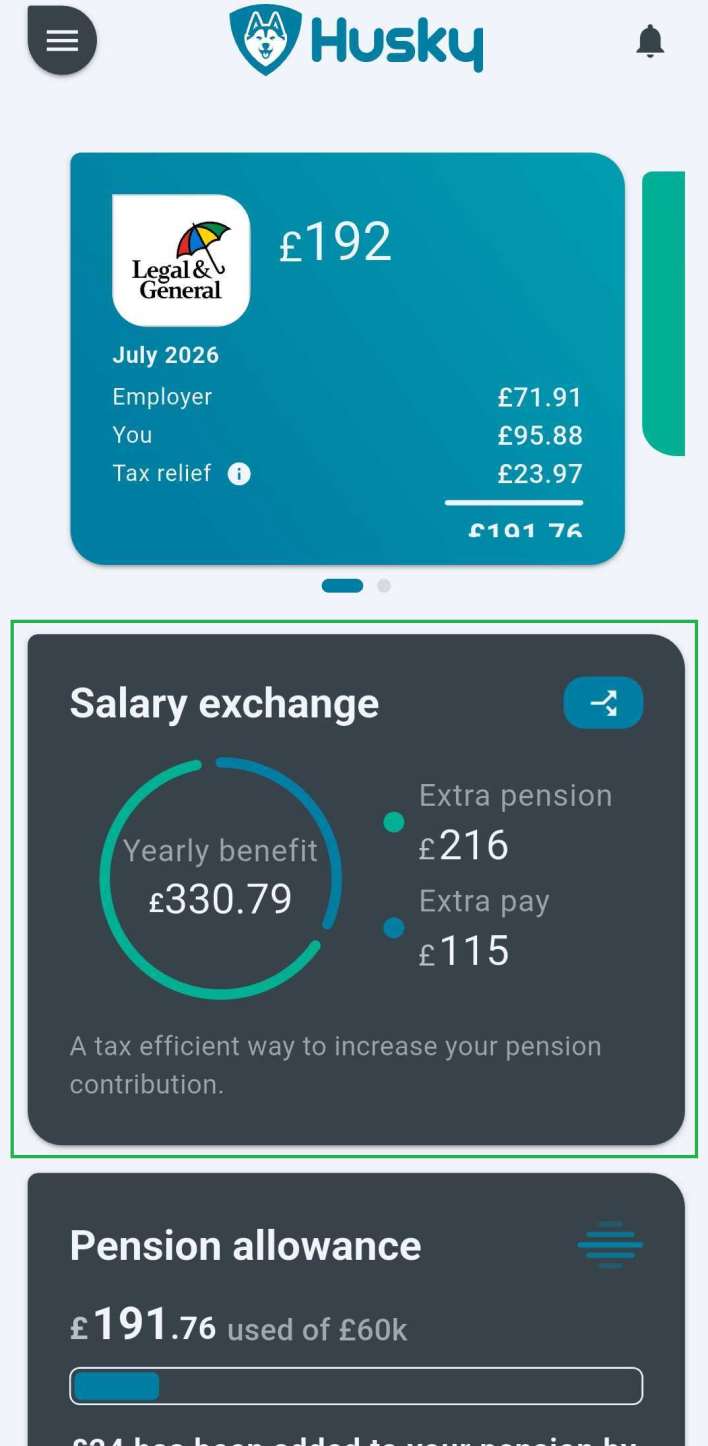
Tap the Salary Exchange card in the app
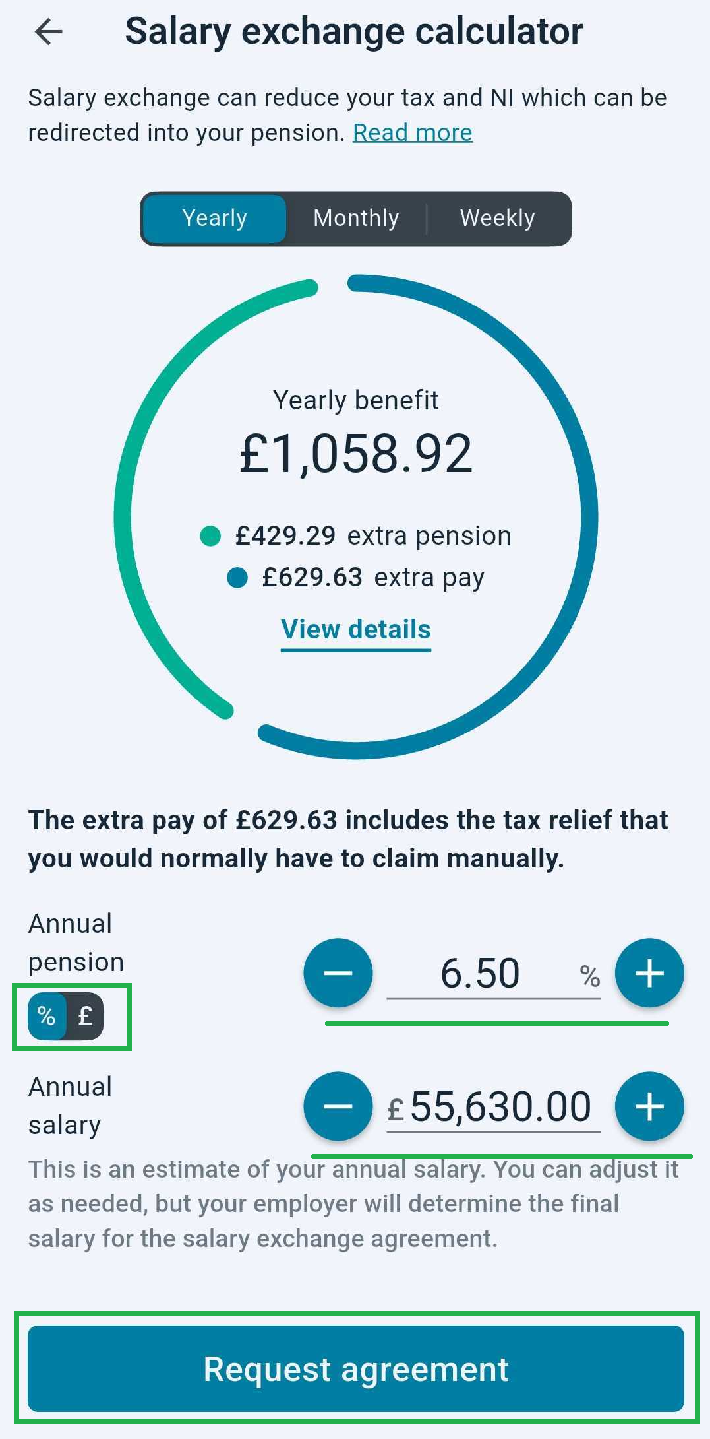
Enter a Percent and Total Annual Salary. And submit the request. You can switch to an amount sacrificed using the toggle highlighted.
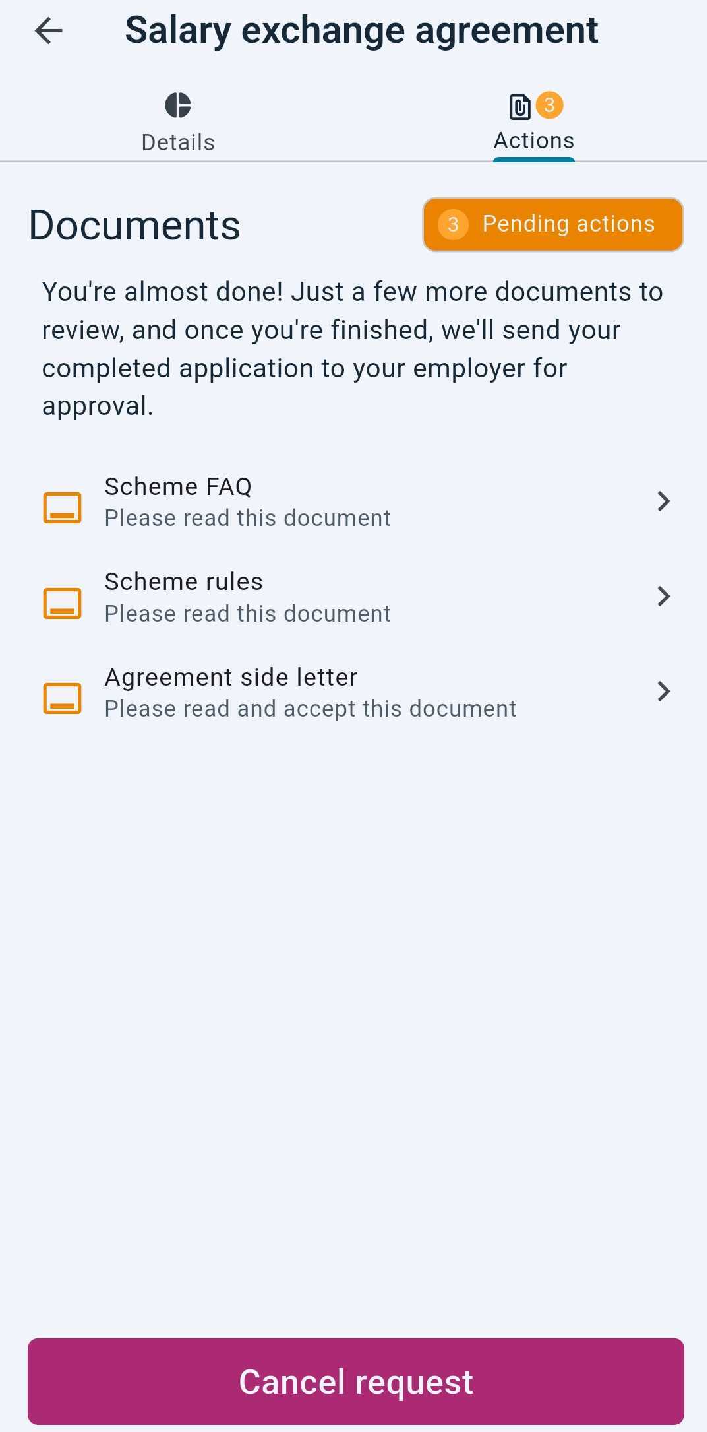
The actions page will be shown. Click on each Document, mark the Scheme FAQ and Scheme rules as read, and Confirm and Accept the Side Letter
Confirm and Accept Side letter page
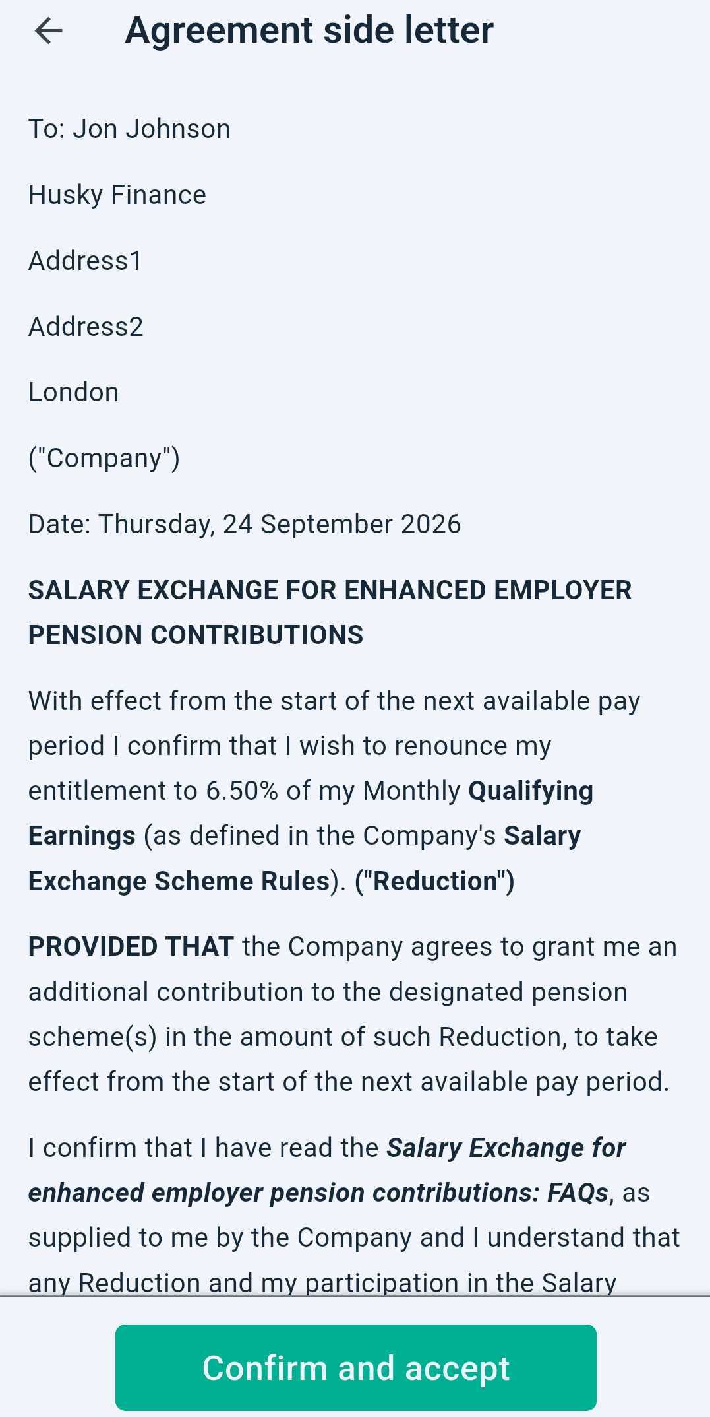
All actions completed page
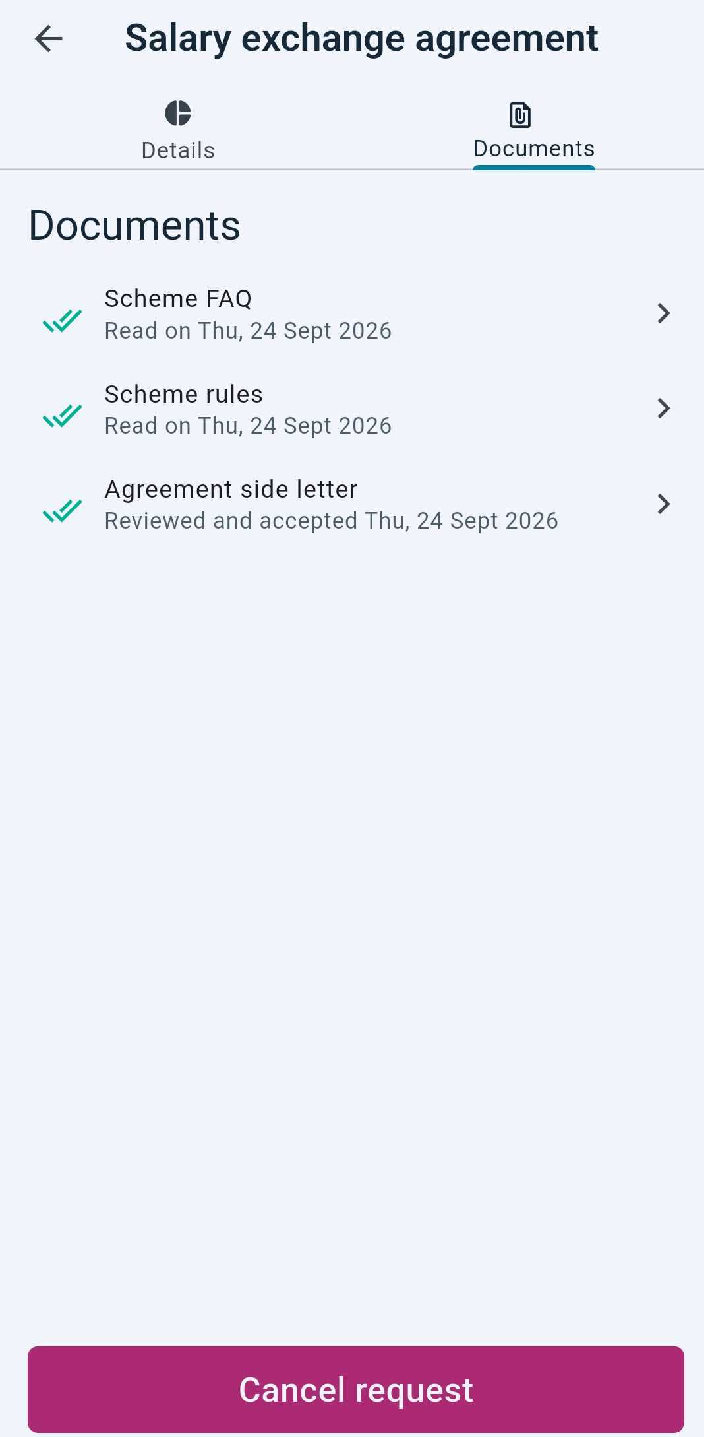
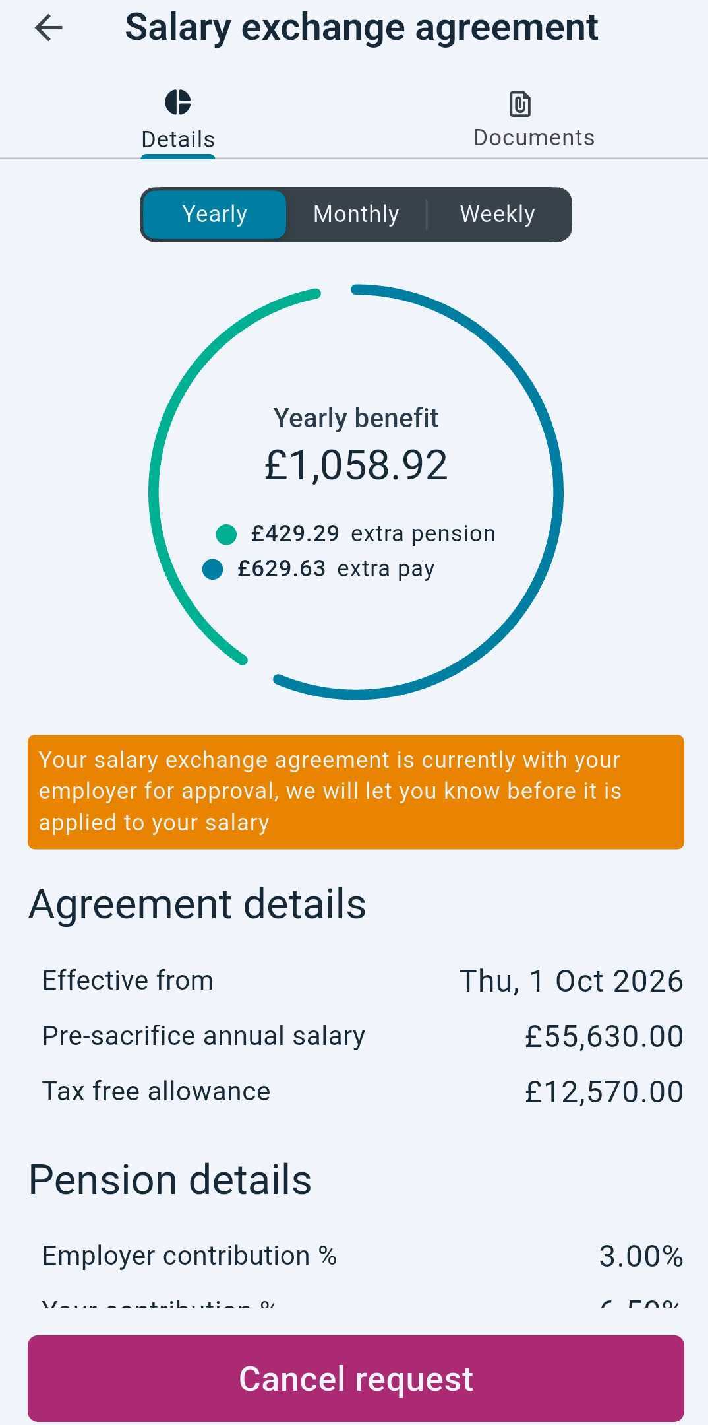
Salary Exchange request page showing pending employer review
Landing page showing Pending Approval status on Salary Exchange Card
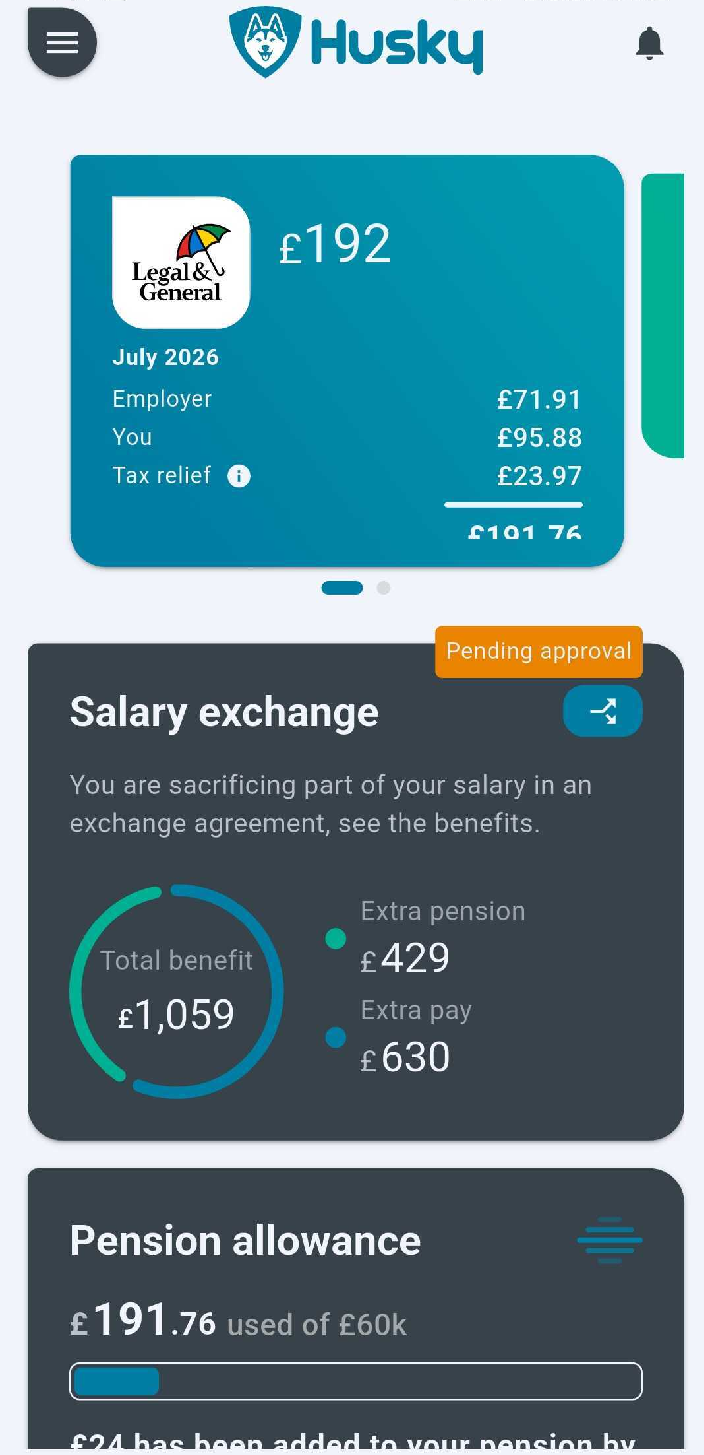
Worker request is complete. At this point the worker can cancel their request. If the worker cancels their request that can make a new one immediately after.
Employer approves Worker Salary Exchange Request steps
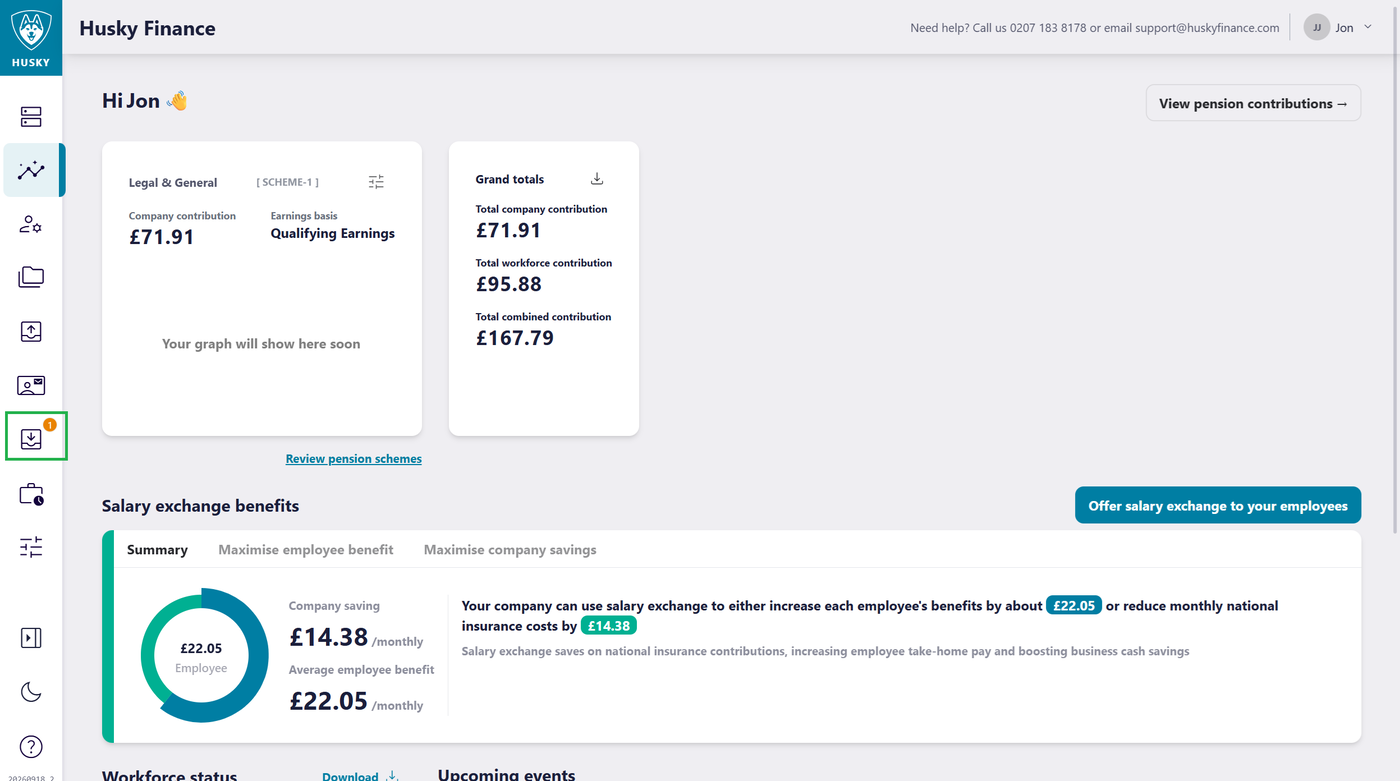
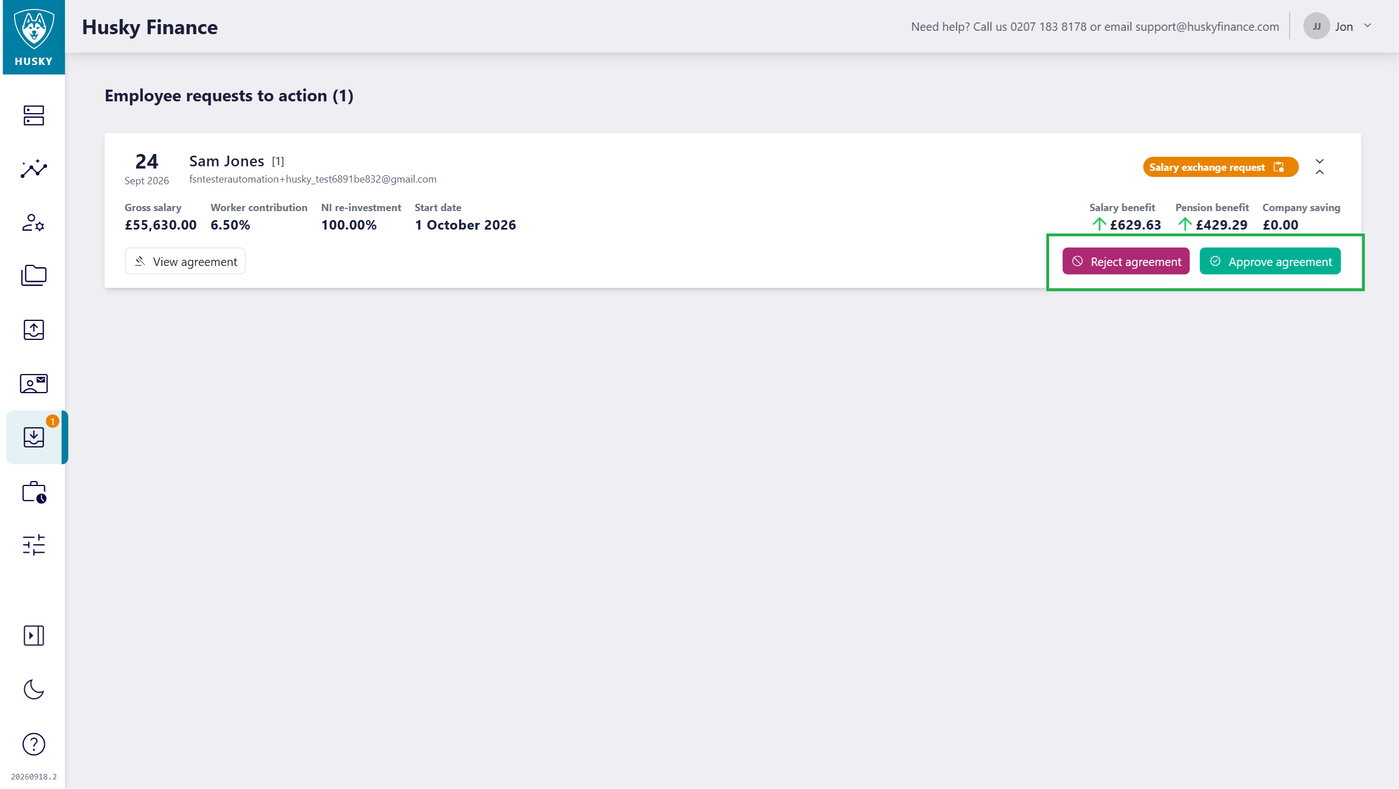
Worker requests will be displayed on the Actions page of the portal.
Open the Actions page
Approve or Reject the worker request. When rejecting a Salary Exchange request a reason is required. This will be displayed in the app to the worker so they can make any amendments and submit a new request.
Viewing Worker Salary Exchange agreements
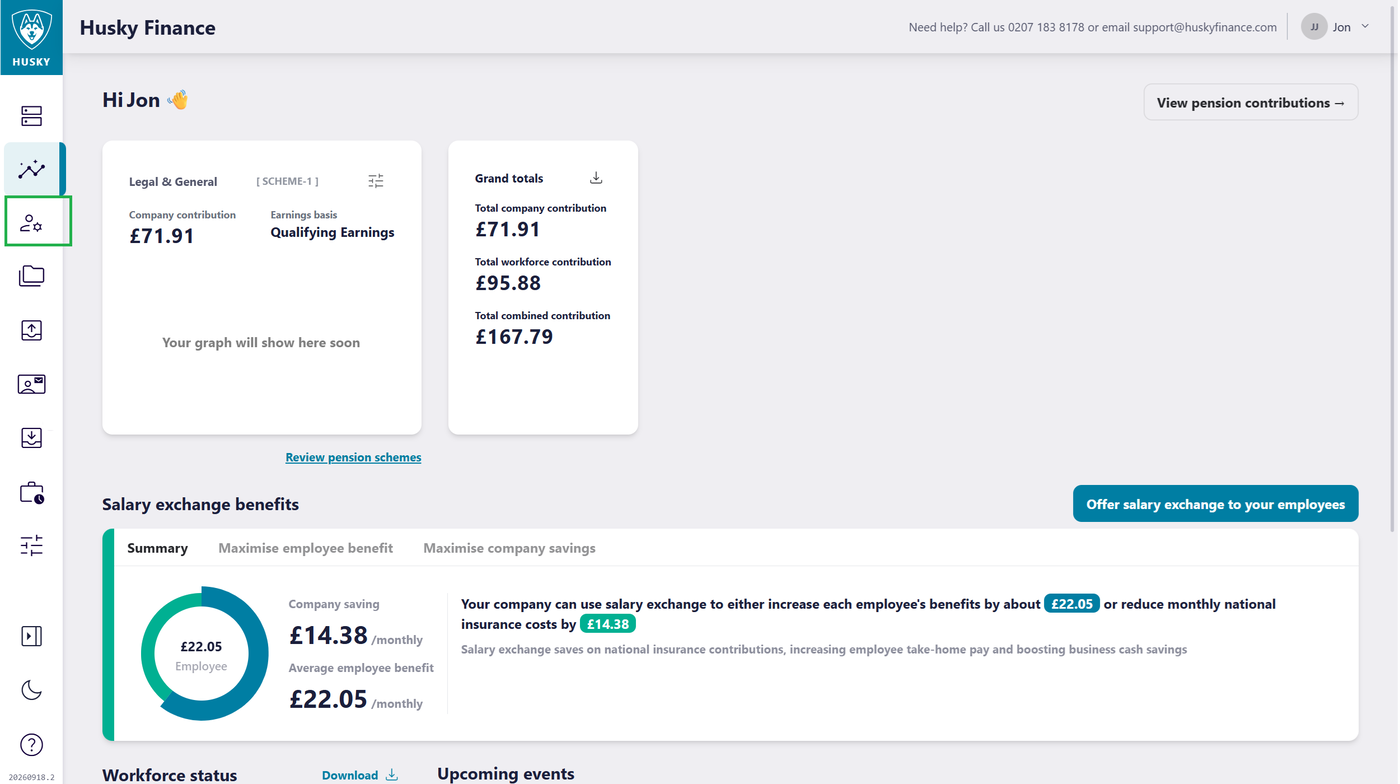
To view a workers Salary Exchange agreements open the Workers page
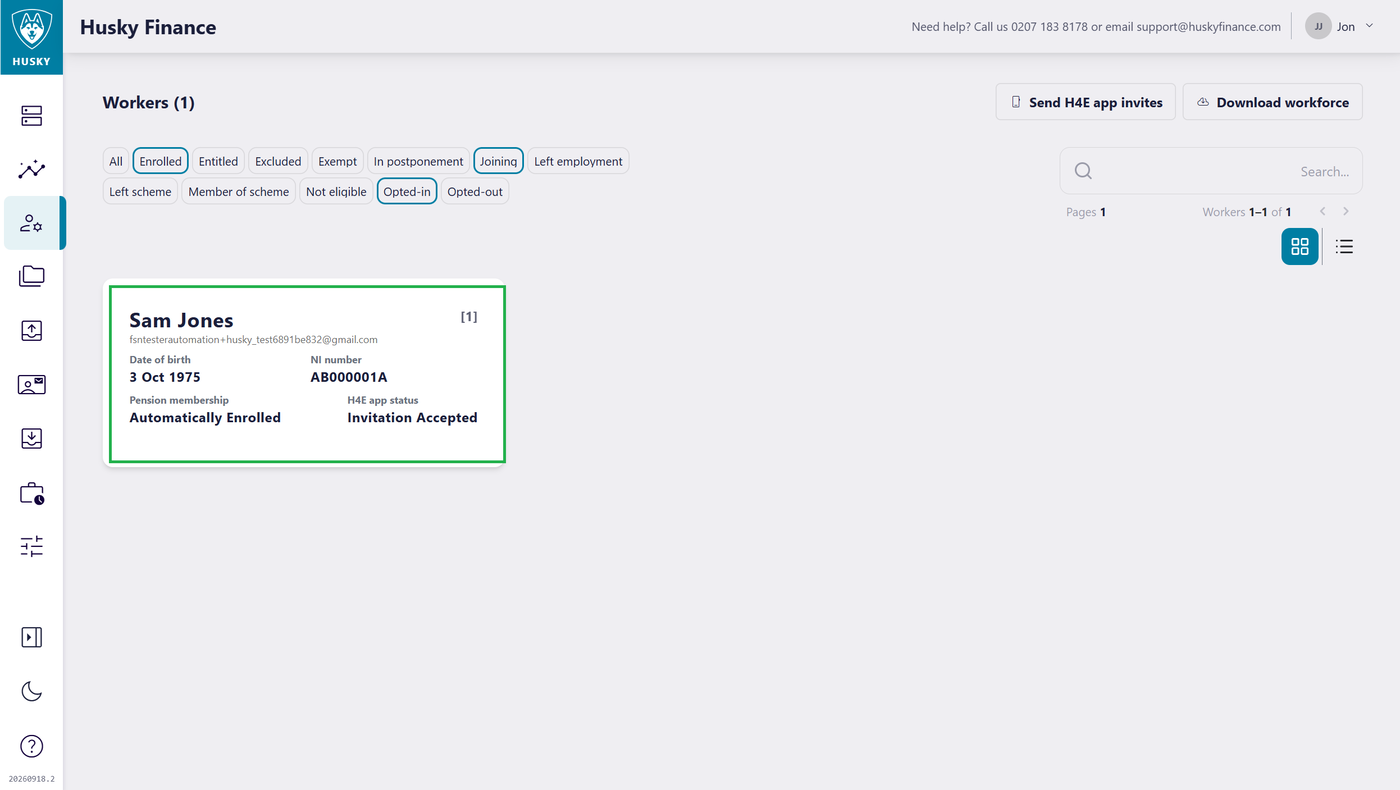
Click on a worker card to open the Worker Details page
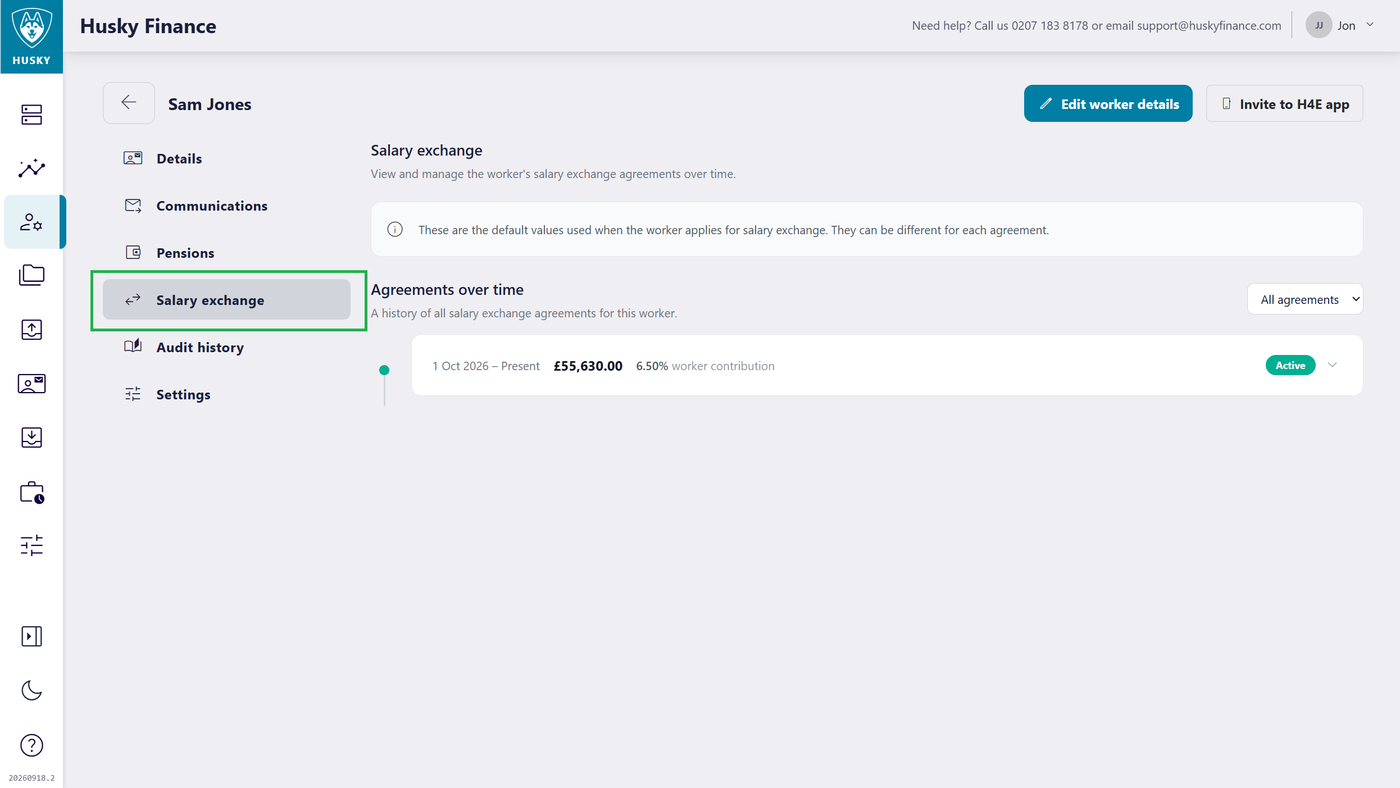
Workers Salary Exchange agreements are displayed under the Salary exchange section of the Worker Details page