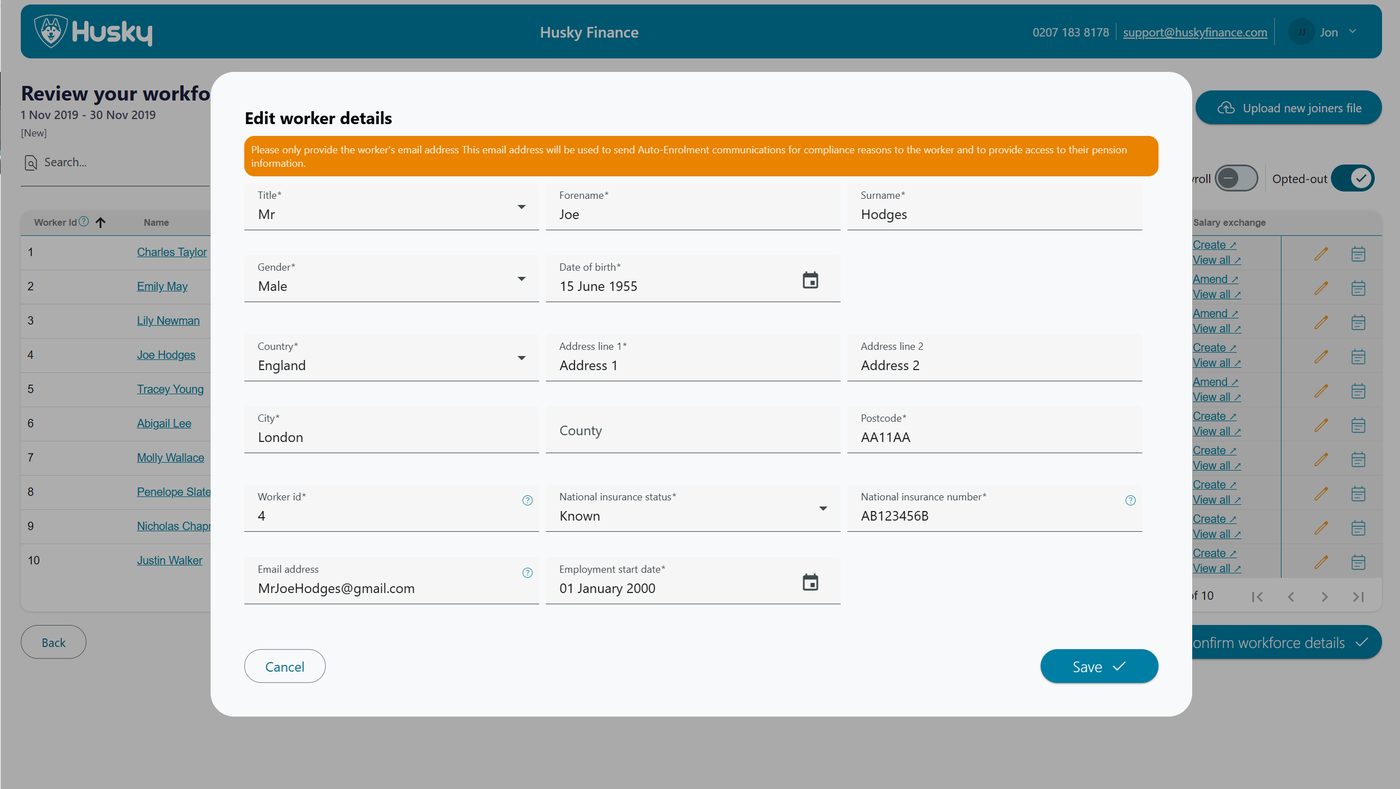
When logged in to the Portal you can update worker details via the worker details page following the steps outlined
For changes to worker details any downstream changes are made automatically, you only need to update the workers details on Husky.
Edit worker on the Portal
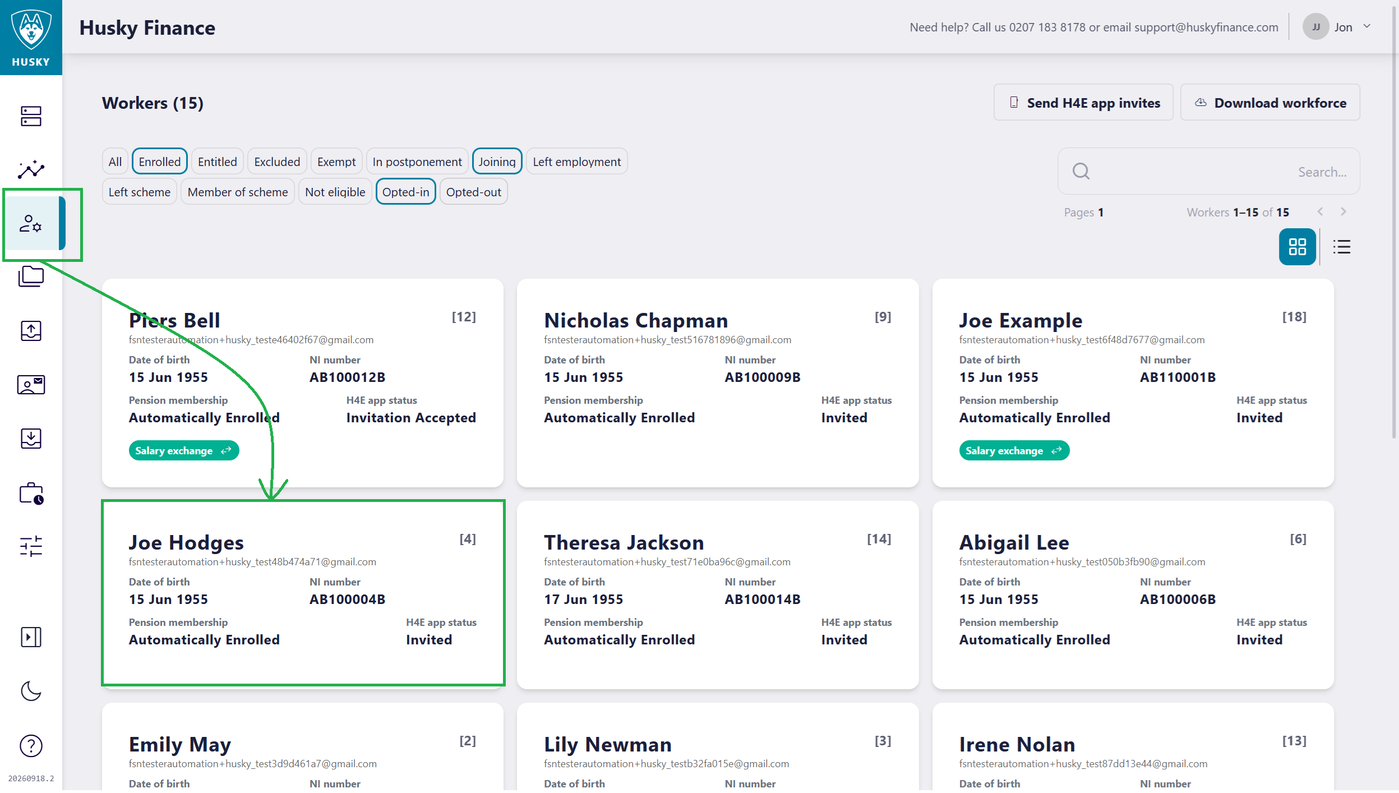
Open the worker details page and click on a worker to open the workers details page
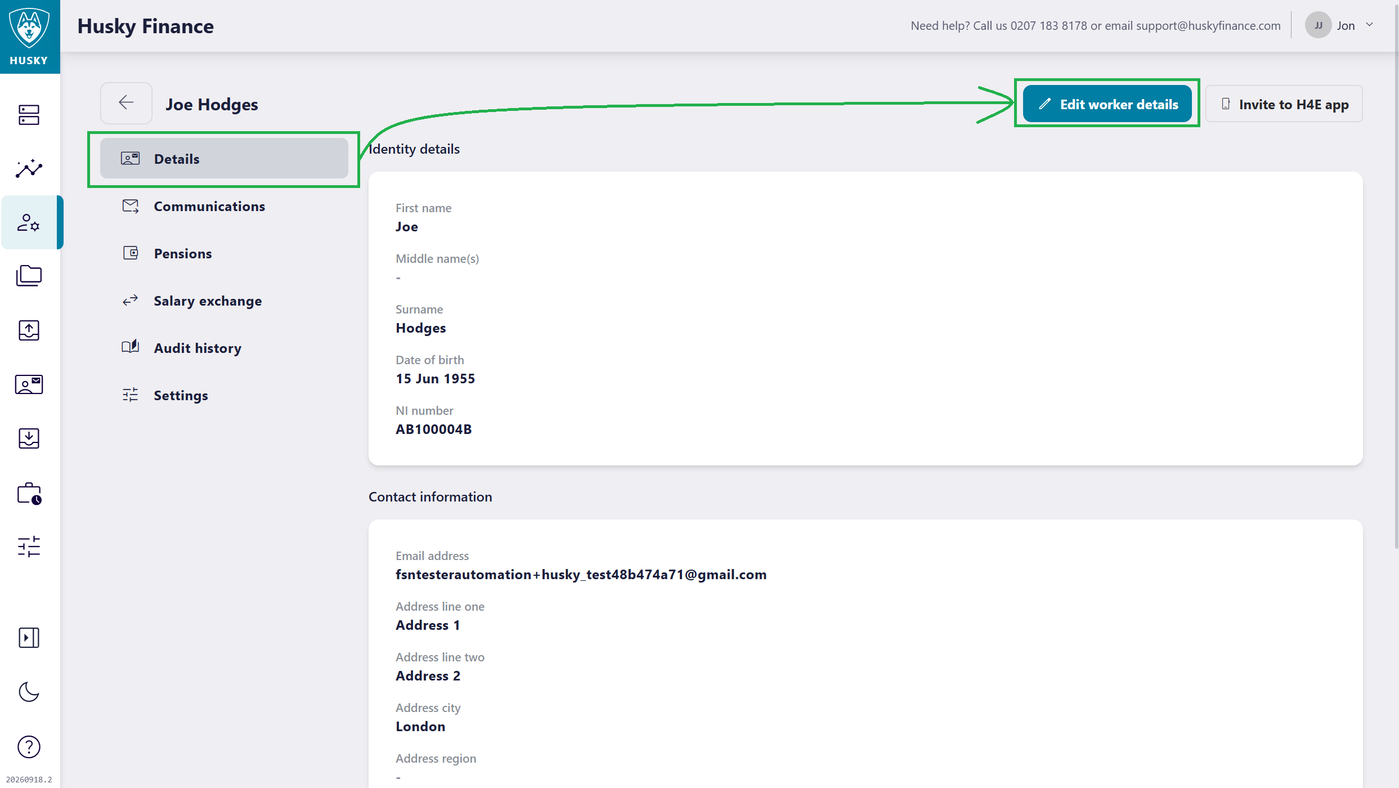
Click the Edit worker details button to open the edit dialog
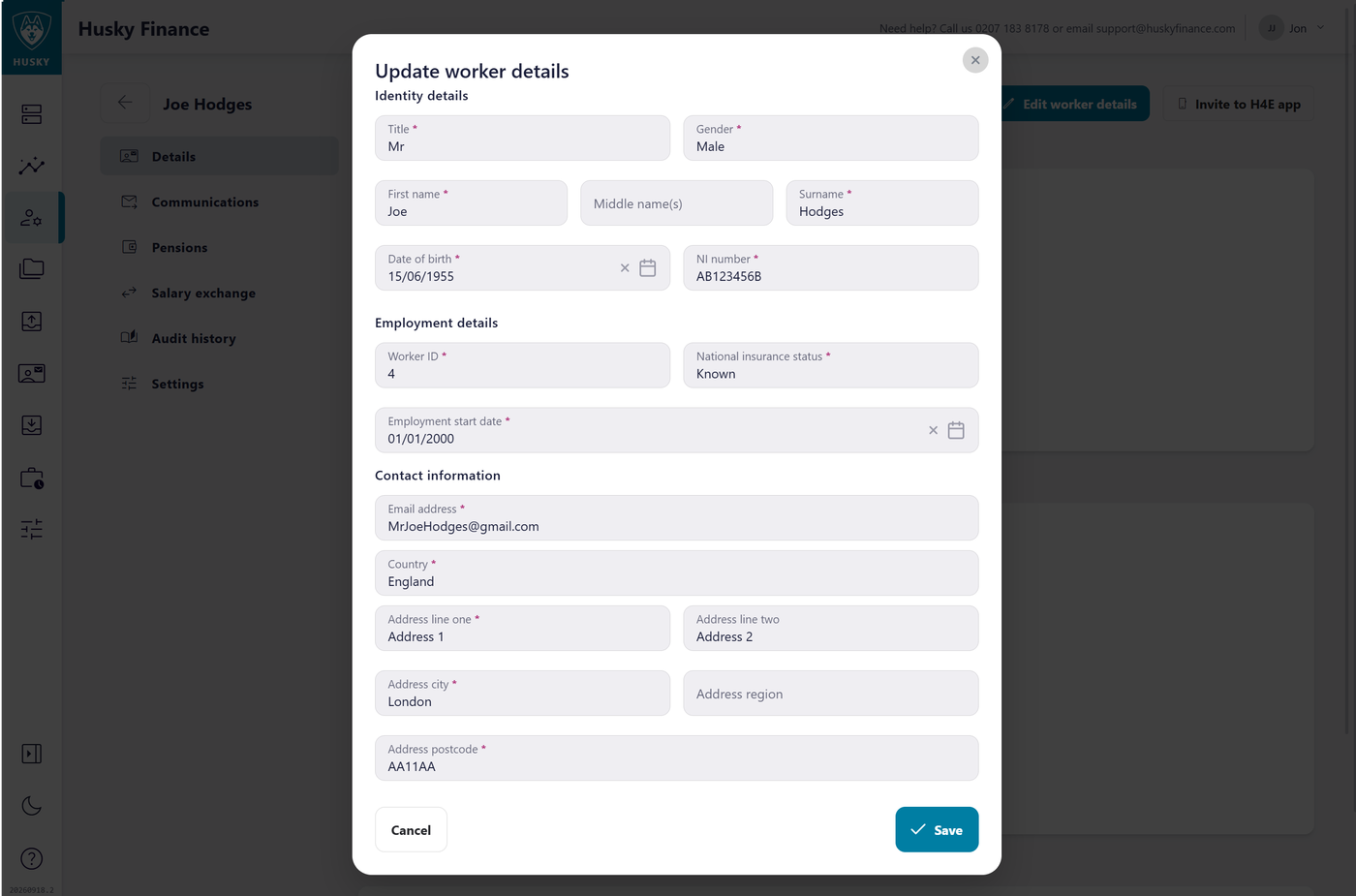
Enter any changes and save
Edit worker details on the Payroll page
NOTE: Users require a role granting them write access to edit data on the payroll pages
If logging in via the portal (other users are logged in directly to the payroll pages) first open the payroll pages
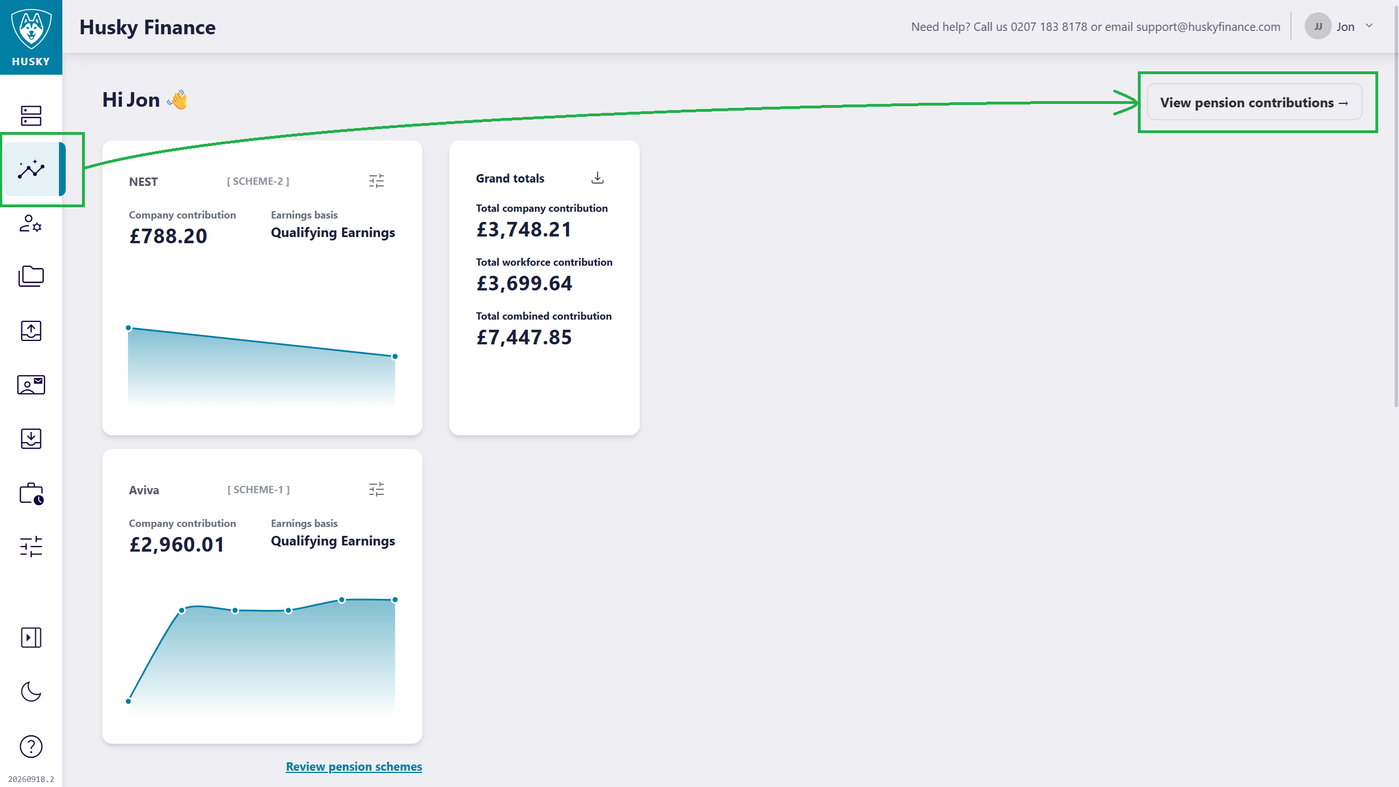
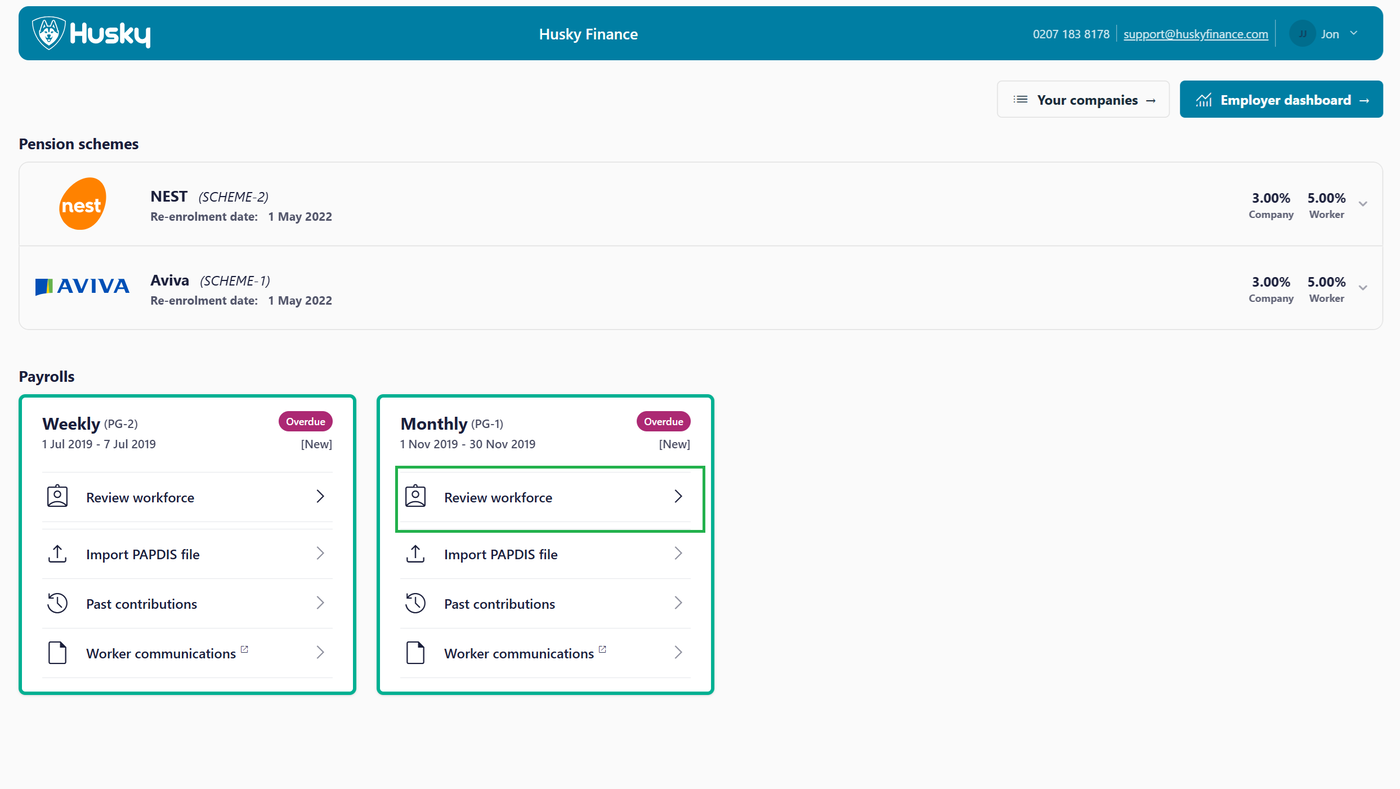
Select Review workforce
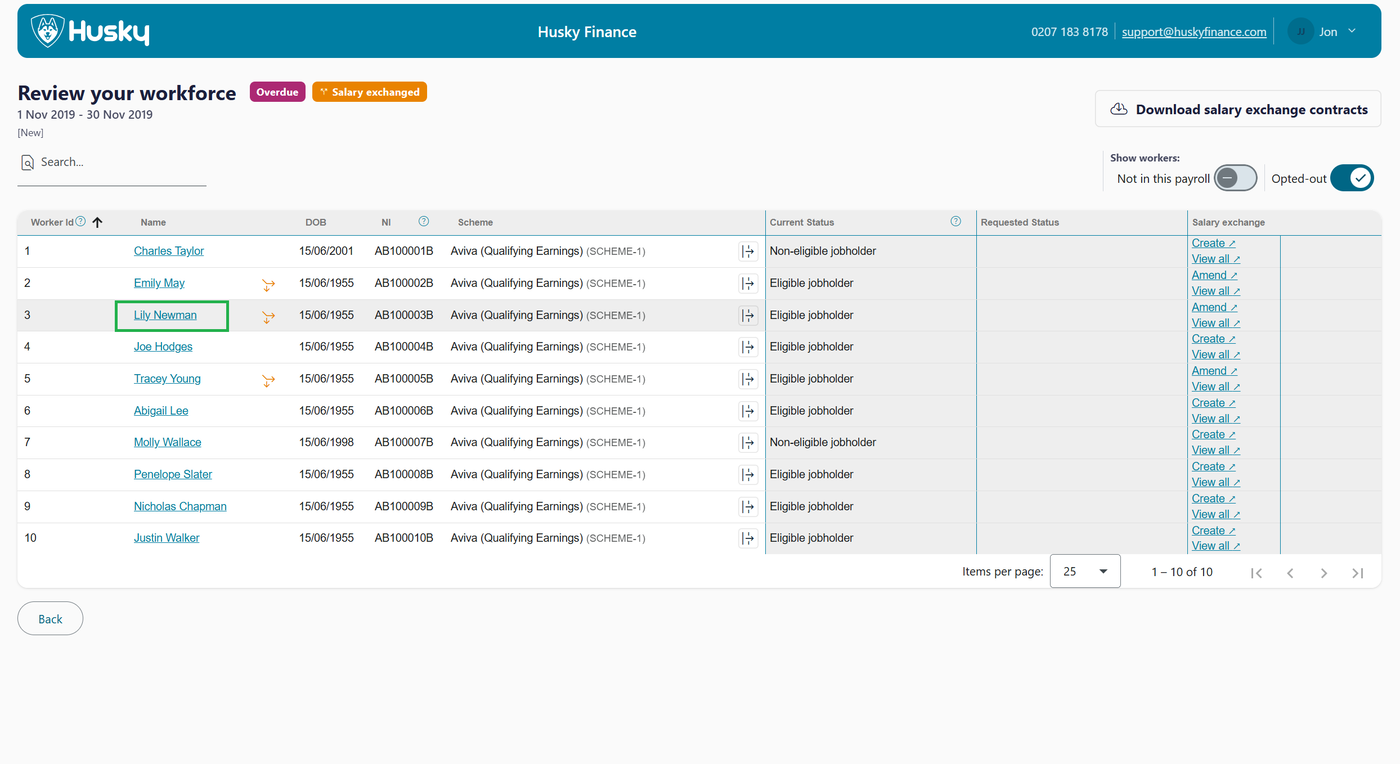
Use the blue hyperlinks to open the edit worker dialog
Enter any changes and save